Manually changing a poster
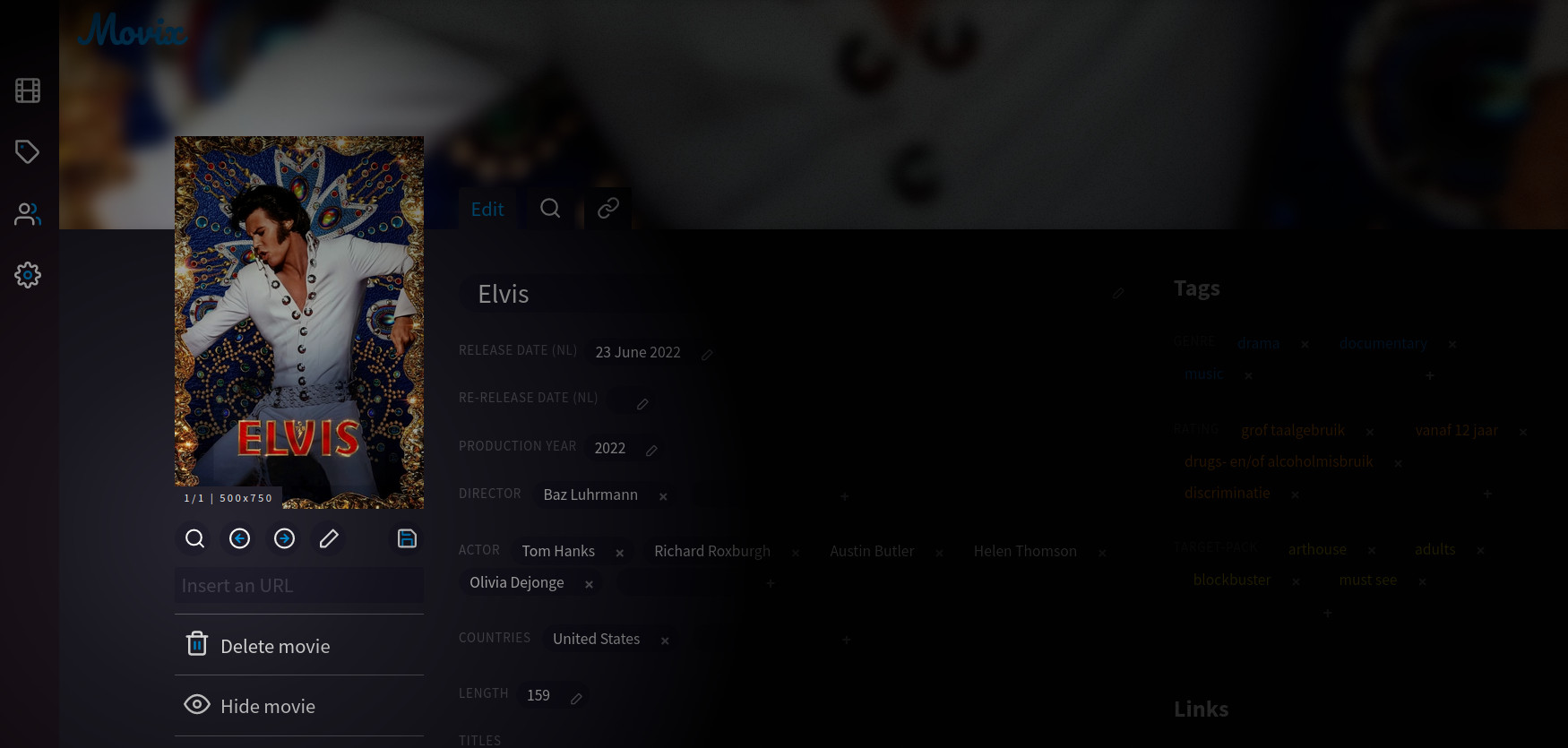
In the edit screen of a movie, click on the looking-glass underneath the poster. Movix will search for posters through the APIs that are available for your Movix instance. Once posters are found you can choose one by using the arrows. If Movix did not find any posters, or you know the URL of a better one, you can insert that URL by clicking on the pen icon. Don’t forget, in both cases, to click on the save icon to tell Movix to update the movie with your chosen poster.
Automatic changes
Movix looks for posters once a day via the APIs available to your instance. If it did not find a poster for a movie, a temporary placeholder image is generated with the title, release month and year of that movie. Movix will keep the first found poster as the definitive one for a movie.